
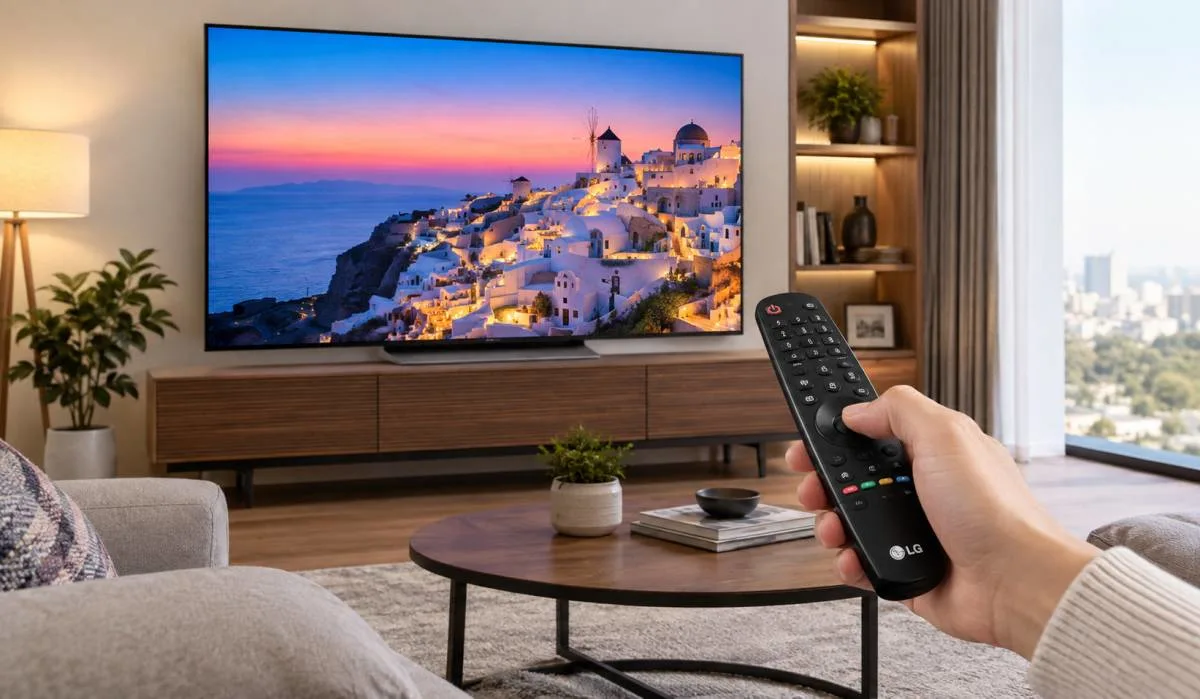
LG smart TVs are popular in India. People buy them for picture quality, for gaming, Magic Remote but many people use only basic features. That is a waste. Learning LG smart TV features explained simply helps you get more from your TV.
The AI processor makes picture and sound better. Magic Remote works like an air mouse. Gaming features are excellent. webOS is easy to use. But there are limits too. App selection is limited. Updates stop after 5 years. So is it worth it? Let me tell you everything. Simple words. No confusion. Just what matters for you.
What Makes LG TV Smart?
A smart TV connects to the internet. It has apps built in. Netflix. YouTube. Prime Video. Hotstar. You do not need a separate set-top box. Just connect to Wi-Fi and start watching .
LG smart TVs run on webOS. This is LG's own operating system. It is easy to use. The menu is simple. Even people who are not good with technology can use it .
Read More: LG C5 vs LG C6 Differences: Which OLED TV Is Better?.
LG TV Features and Benefits
AI Processor – The Brain of the TV
LG TVs have AI processors. These are chips that make picture and sound better. Higher models have Alpha 11 processor. Mid-range has Alpha 8. Budget has Alpha 5 .
What does the AI processor do?
-
AI Super Upscaling: Converts low-quality video to near-4K quality. Old movies look better .
-
AI Brightness Control: Detects room light. Adjusts screen brightness automatically. Day or night, picture looks good .
-
AI Director Processing: Analyzes each scene. Shows colors the way director wanted .
-
AI Sound Pro: Makes sound feel like it is coming from all around. Virtual 9.1.2 channels .
AI Magic Remote
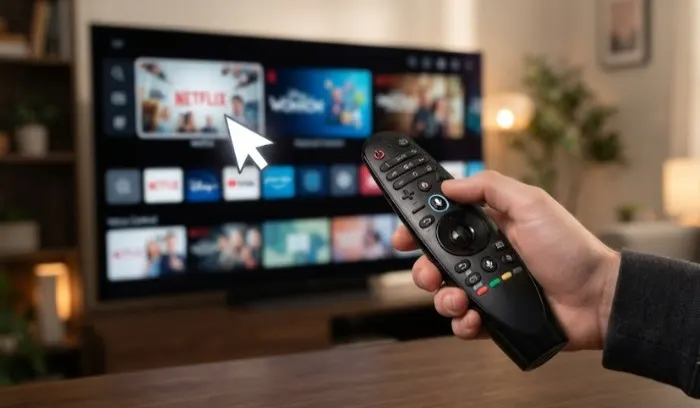
This is the best part of LG TVs. The remote works like an air mouse. Point at the screen. Click. It moves the cursor. No need to press arrow buttons again and again .
- Voice control: Press the mic button. Say "Hi LG". Then speak. Change channel. Search movies. Adjust volume. All by voice .
- Voice ID: The TV recognizes your voice. Switches to your profile. Shows recommendations based on what you watch .
Gaming Features
LG TVs are great for gaming. They have:
- High Refresh Rate: 120Hz or 144Hz. Smooth gameplay .
- VRR (Variable Refresh Rate): No screen tearing. No stutter .
- AMD FreeSync Premium: Works with gaming consoles and PCs .
- Game Optimizer: One place to change all gaming settings .
- Motion Booster: Up to 288Hz or 330Hz on some models. Very smooth .
webOS Re:New Program
This is a big benefit. LG gives free webOS upgrades for 5 years. Four upgrades total. Your TV gets new features even after you buy it .
LG Channels
Free streaming service. News. Music. Entertainment. Kids shows. No subscription needed. Just watch .
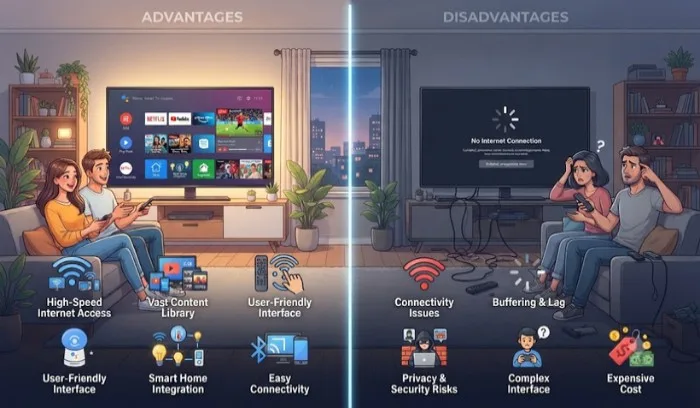
Smart TV Advantages and Disadvantages
Advantages
- No extra device needed. Netflix, YouTube, Prime Video built in. No Fire Stick or Chromecast required .
- Simple to use. webOS is easy. Magic remote makes it easier .
- Good for streaming. Apps load fast. Video quality is good .
- Voice control. Change channels, search content, adjust settings by voice .
- Modern design. Slim. Sleek. Looks good in your living room .
Disadvantages
- App selection is limited. You cannot install any app you want. Only what LG provides .
- Software updates stop after some years. LG gives 5 years. After that, no new features .
- Performance can slow down. Budget models with low specs may lag. Especially with heavy apps .
- Needs internet. Without Wi-Fi, smart features do not work. You can still watch cable or use HDMI devices .
How to Tell if a TV is a Smart TV Without Turning It On
This is a common question. You are at a shop or buying second-hand. How to check?
Look for these signs:
1. LAN port
Check the back of the TV. Look for a port labeled "LAN". This is for internet cable. If it has LAN, it is a smart TV .
2. Wi-Fi logo
Look for a Wi-Fi symbol on the back or side. Or on the box. Or in the manual. If it says Wi-Fi or WLAN, it is smart .
3. Apps logo
Look for Netflix, YouTube, or Prime Video logos on the box or TV frame. These apps only work on smart TVs .
4. Model number
Search the model number online. Check specifications. If it says "Smart TV" or "webOS" or "Android TV", it is smart .
5. Remote control
Look for a mic button on the remote. Or a home button. Or dedicated app buttons like Netflix. These are signs of a smart TV .
6. USB port
Most smart TVs have USB ports. But this alone is not enough. Many non-smart TVs also have USB .
7. Ethernet port
Same as LAN. If there is a port for internet cable, it is smart .
Note: Some smart TVs do not have LAN port. They only have Wi-Fi. So check for Wi-Fi logo too.
You May Also Read: Best LG Phone for Gaming Under 30000.
LG TV Series Explained
LG has different TV series. Here is simple breakdown.
OLED Series (Best Picture)
- G6: Top model. Brightest OLED. Best for movies .
- C6: Popular choice. Good balance of price and performance.
- B6: Entry-level OLED.
QNED Series (Good Picture, Cheaper)
- QNED evo: Mini LED. Bright. Good colors .
- QNED85: Popular model. 120Hz. Good for gaming .
NanoCell Series (Mid-Range)
-
Good colors. Good for daily use.
UHD Series (Budget)
-
4K resolution. Basic smart features. Good for budget buyers .
Final Words
LG smart TVs have many useful features. The AI processor improves picture and sound. The Magic Remote makes navigation easy. Gaming features are excellent. webOS is simple to use.
But they have limits too. App selection is limited. Updates stop after 5 years. Budget models may lag.
If you are buying an LG TV, check for LAN port or Wi-Fi logo to confirm it is smart. Look for mic button on remote. These are easy signs. The best feature? The Magic Remote. Once you use it, you cannot go back to normal remote. It is that good.
Simple right? Now you know what LG smart TV features are all about.
FAQs
1. What is webOS in LG smart TV?
webOS is LG's own operating system. It runs the TV. You open apps. Change settings. Search content. All through webOS. Menu is simple. Easy for anyone to use. Even if you are not good with technology. webOS gets updates for 5 years. So your TV stays new.
2. What does the AI processor do in LG TVs?
AI processor makes picture and sound better. It upscales old videos to near-4K. Adjusts brightness based on room light. Shows colors the way director wanted. Makes sound feel like it comes from all around. Higher models have Alpha 11 chip. Mid-range has Alpha 8. Budget has Alpha 5.
3. What is special about LG Magic Remote?
It works like an air mouse. Point at screen. Click. Cursor moves. No arrow buttons needed. Has mic button. Say "Hi LG" and speak. Change channel. Search movies. Adjust volume. Voice ID recognizes your voice. Switches to your profile. Shows your recommendations.
4. Is LG smart TV good for gaming?
Yes. Very good. High refresh rate. 120Hz or 144Hz. VRR for no screen tearing. AMD FreeSync Premium support. Game Optimizer in one place. Motion Booster up to 288Hz on some models. Works great with PlayStation, Xbox, and PC.
5. What are advantages of smart TV?
No extra device needed. Netflix, YouTube, Prime Video built in. Simple to use. Voice control. Good for streaming. Modern design. Looks good in living room. One remote for everything. No Fire Stick or Chromecast required.
6. What are disadvantages of smart TV?
App selection limited. Cannot install any app you want. Only what LG provides. Software updates stop after 5 years. Budget models may slow down. Needs internet for smart features. Without Wi-Fi, smart features do not work. You can still use HDMI devices.
7. How to tell if a TV is smart without turning it on?
Look for LAN port. For internet cable. Look for Wi-Fi logo. On back or box. Look for Netflix or YouTube logos. Check model number online. Look for mic button on remote. Or app buttons like Netflix. These are signs of smart TV. Easy to check.
8. Does LG TV have free channels?
Yes. LG Channels. Free streaming service. News. Music. Entertainment. Kids shows. No subscription needed. Just open and watch. Good for background viewing. Also has apps like YouTube which are free. Netflix and Prime need subscription.