
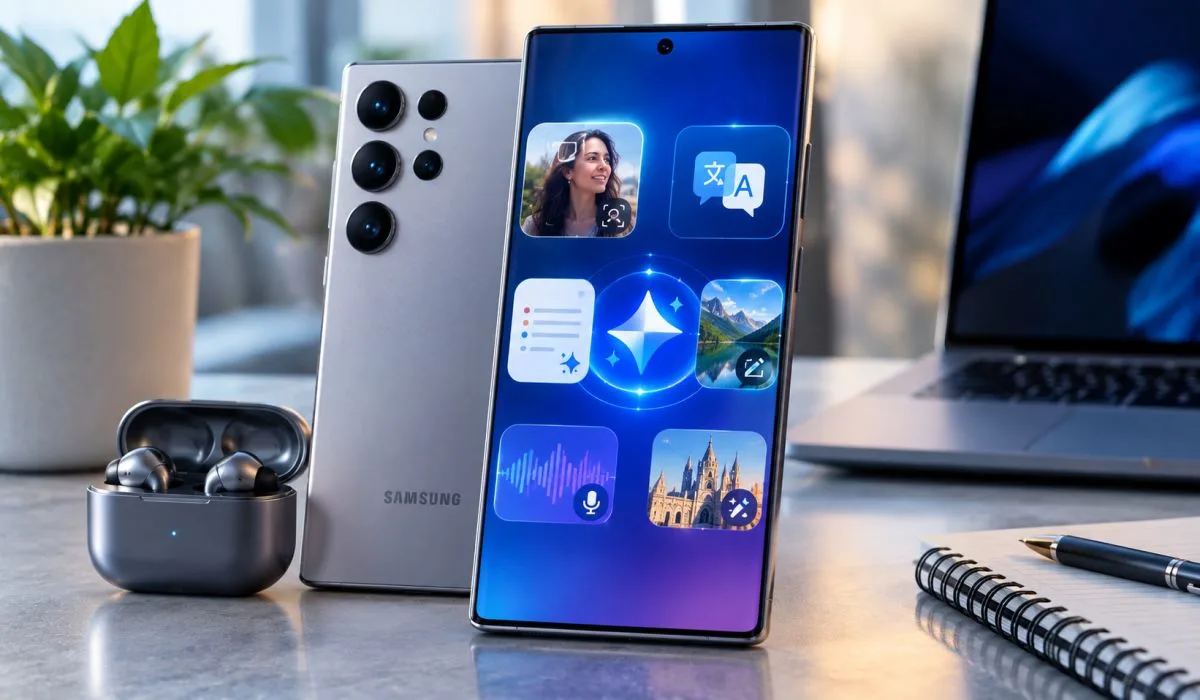
Samsung phones have AI now. You may not know but it is there sitting inside, waiting for you to use. Photo editing? Just say what you want. Spam calls? Phone answers itself. Travel? Talk in any language. Notes? AI cleans them up.
These Galaxy AI Samsung features are on many devices. Not just costly ones. Even older phones get some. Basic ones are free. Samsung may charge later but for now, free. So many features. Circle to Search. Photo Assist. Call Screening. Now Nudge. Which phones? Most Galaxy from 2023 onward. Check your settings. It may already be there. Let me tell you what each one does.
What is Galaxy AI?
Galaxy AI is Samsung's artificial intelligence system. It lives inside your phone. It learns from you. It helps you do tasks faster. It is built into One UI software. Some features work without internet. Some need cloud connection. Basic features are free. Samsung may charge for enhanced features later.
Read More: Upcoming Samsung Tablets in 2026: Price and Features.
Best Galaxy AI Samsung Features
Now Nudge – Proactive Suggestions
- Now Nudge watches what is on your screen. Then it suggests helpful actions. You are texting a friend about dinner plans. A date comes up in chat. Now Nudge shows your calendar for that day.
- It offers to add the event. No app switching needed. Someone asks for trip photos. Now Nudge suggests relevant images from your Gallery. Share in seconds instead of searching.
- Which phones? Galaxy S26 series only for now.
Circle to Search – Search Without Typing
- Circle anything on your screen. Google searches it instantly. No typing. No switching apps. Works on images. Videos. Text. The new version can compare multiple items at once. Circle a whole outfit. Find top, bottoms, shoes, accessories together.
- Which phones? Most Galaxy phones with One UI 6.1 or higher.

Photo Assist – Edit with Words
- Edit photos by simply saying what you want. No technical terms. No editing skills needed. Friend took a bite of cake before you clicked? Ask to restore the missing bite. Landscape looks dull? Ask to shift day to night. You can undo anytime.
- Which phones? Galaxy S22 series and newer. Limited on FE models.
Call Screening – Stop Spam Calls
- Phone rings. Unknown number. Galaxy AI answers it. It asks who is calling and why. Their response appears as text. You decide whether to pick up or not. Live translation also works during calls. Both sides hear translated speech.
- Which phones? Galaxy S26 series and newer flagships.
Note Assist – Organise Your Notes
- Samsung Notes gets smart. Note Assist cleans walls of text. Adds headers. Paragraphs. Bullet points. Summarises long notes. Translates them. Picks cover images based on context. One reviewer said this is "a big part of why I stick with Samsung Notes".
- Which phones? Most Galaxy phones with One UI 6.1 or higher.
Audio Eraser – Clean Your Videos
- Recorded a video at a concert? Too much crowd noise? Audio Eraser separates sounds. Wind. Crowd. Music. Vocals. Turn each one up or down independently. Makes videos clearer.
- Which phones? Galaxy S22 series and newer.
Live Translate – Talk in Any Language
- On-device translation for phone calls. Your voice gets translated in real time. Other person hears your language. You hear theirs. No internet needed for some languages. Works for text messages too.
- Which phones? Galaxy S22 series and newer. Not on Tab S9 Wi-Fi.
Interpreter – Face-to-Face Translation
- Split-screen translation for in-person conversations. You speak. Phone translates. Other person speaks. Phone translates back. Each person reads on their side of the screen. Works without internet for some languages.
- Which phones? Most Galaxy phones with One UI 6.1 or higher.
Generative Edit – AI Photo Magic
- Remove objects from photos. Move things around. Resize them. AI fills in the empty space naturally. Looks like nothing was ever there. Portrait Studio restyles portraits with one tap.
- Which phones? Galaxy S22 series and newer.
Transcript Assist – Voice to Text
- Records speech. Turns it into written text. Summarises recordings. Translates them. Great for meetings. Lectures. Interviews. Available in Voice Recorder app.
- Which phones? Most Galaxy phones with One UI 6.1 or higher.
Now Brief – Your Daily Summary
- Personalised briefing on your lock screen. Shows weather. Calendar events. Reminders. News. Based on your schedule and location. You can customise what cards appear. Health. Weather. Videos.
- Which phones? Galaxy S26 series and newer flagships.
My FanCam – Focus on One Person
- Video auto-reframes around a selected person. You choose who to follow. Camera keeps them centered. Great for recording kids' performances. Friends dancing. Sports events. No manual editing needed.
- Which phones? Galaxy S26 series and newer flagships with One UI 9.
Creative Studio – Make Stickers and Wallpapers
- Turn sketches into polished visuals. Create stickers for group chats. Make custom wallpapers. Access from Edge Panel. Generate from text prompts. Photos. Drawings. Edit or share without switching apps.
- Which phones? Most Galaxy phones with One UI 6.1 or higher.
Galaxy AI Samsung Features List – Full Overview
| Feature | What It Does | Best For |
|---|---|---|
| Now Nudge | Proactive suggestions | Planning, sharing |
| Circle to Search | Search without typing | Quick info lookup |
| Photo Assist | Edit with words | Photo editing |
| Call Screening | Answers unknown calls | Spam blocking |
| Note Assist | Organises notes | Students, workers |
| Audio Eraser | Cleans video sound | Content creators |
| Live Translate | Real-time call translation | Travel, business |
| Interpreter | Face-to-face translation | Travel |
| Generative Edit | AI photo editing | Social media |
| Transcript Assist | Voice to text | Meetings, lectures |
| Now Brief | Daily summary | Morning routine |
| My FanCam | Auto-reframe video | Parents, creators |
| Creative Studio | Stickers, wallpapers | Personalisation |
Samsung AI Phones List
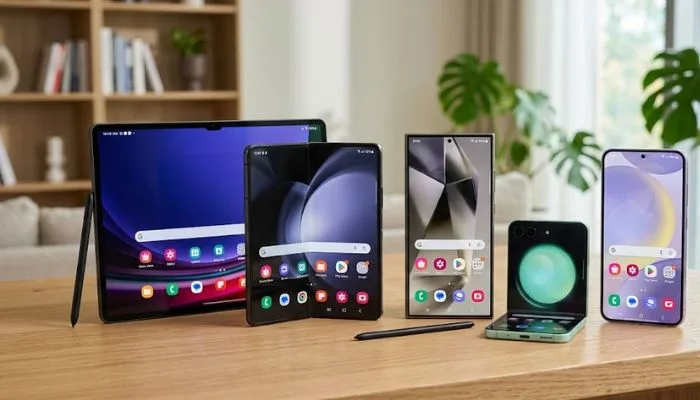
Here are all Samsung devices that support Galaxy AI:
Galaxy S Series
- S26, S26+, S26 Ultra, S26 FE
- S25, S25+, S25 Ultra, S25 Edge, S25 FE
- S24, S24+, S24 Ultra, S24 FE
- S23, S23+, S23 Ultra, S23 FE
- S22, S22+, S22 Ultra
- S21, S21+, S21 Ultra, S21 FE (limited features)
Galaxy Z Series
- Z TriFold
- Z Fold8 Ultra, Z Fold8, Z Fold7, Z Fold6, Z Fold5, Z Fold4, Z Fold3
- Z Flip8, Z Flip7, Z Flip7 FE, Z Flip6, Z Flip5, Z Flip4, Z Flip3
Galaxy Tab Series
- Tab S11 Ultra, Tab S11
- Tab S10 Ultra, Tab S10+, Tab S10 FE+, Tab S10 FE, Tab S10 Lite
- Tab S9 Ultra, Tab S9+, Tab S9, Tab S9 FE+, Tab S9 FE
- Tab S8 Ultra, Tab S8+, Tab S8
Galaxy A Series
-
A57 5G, A56 5G, A37 5G, A36 5G, A27 5G, A26 5G, A17 5G, A16 5G (limited features)
Note: Features may be limited on FE models and A-series devices.
You May Also Read: Top Free Samsung Galaxy Themes 2026: No Subscription Hacks.
Samsung AI Features Update
One UI 9 is rolling out now. It brings new Galaxy AI features to more devices.
What is new in One UI 9:
- Now Nudge for more Galaxy devices
- My FanCam for auto-reframing videos
- Now Brief with customisable cards
- Warranty and maintenance in Settings
- Improved Interpreter with Thread View
- Better Document Scan for curved pages
- Security Brief in Now Brief
Which devices get One UI 9 first? Galaxy S26, S26+, S26 Ultra. Then Z Fold8 Ultra, Fold8, Flip8. Then older models from S23 series onward.
How to get it: Open Settings > Software Update > Download and Install. Make sure you have One UI 6.1 or higher for basic Galaxy AI features.
Galaxy AI Samsung Price
Here is the honest answer. Galaxy AI basic features are free. You do not pay extra for them.
What is free:
- Circle to Search
- Photo Assist
- Note Assist
- Live Translate
- Interpreter
- Generative Edit
- Audio Eraser
- Transcript Assist
What may cost money later:
- Enhanced features from Samsung
- Third-party AI features
- New services added in future
Samsung says: "Future releases may include enhanced features or new services that are offered on a paid basis".
Phone prices in India:
- Galaxy S26 Ultra: Starts at ₹1,39,999
- Galaxy S26+: Starts at ₹1,19,999
- Galaxy S26: Starts at ₹87,999
Budget Galaxy A series phones also have some Galaxy AI features. These start under ₹30,000. So you do not need flagship phone for basic AI.
Final Words
Galaxy AI is not just marketing. Many features are genuinely useful. Call Screening saves you from spam. Photo Assist makes editing easy. Note Assist organises your thoughts. Live Translate breaks language barriers.
But not all features are essential. Some are situational. Audio Eraser is great for creators. Interpreter is useful only when travelling. Notification Highlights is not very useful.
The good news? Galaxy AI works on many devices. Not just the expensive ones. Even S21 and A-series phones get basic features. So if you have a Samsung phone from 2023 or newer, check your settings. You may already have Galaxy AI waiting for you.
FAQs
1. What is Galaxy AI?
Galaxy AI is Samsung's smart system inside your phone. It helps you do things faster. Edit photos by talking. Answer spam calls. Translate languages live. Clean up notes. Some features work without internet. Some need cloud. Basic ones free. It comes with One UI software. Not all phones have it. Check your settings.
2. Which Samsung phones have Galaxy AI?
Most Galaxy phones from 2023 onward. S23, S24, S25, S26 series. Z Fold and Z Flip from Fold5 and Flip5. Tab S9 and newer. Some A-series phones too. But features are limited on cheaper models. S21 series gets very few features. Check Settings > Software Update first.
3. Is Galaxy AI free?
Yes. Basic features free. Circle to Search. Photo Assist. Note Assist. Live Translate. Interpreter. Generative Edit. Audio Eraser. Transcript Assist. All free. Samsung says future enhanced features may cost money. But right now, no charges. No subscription. Just use it.
4. What is the best Galaxy AI feature?
Call Screening. Stops spam calls. Phone answers unknown numbers. Asks who is calling. Shows text on screen. You decide to pick up or not. Very useful for India. Too many spam calls here. Other good ones? Photo Assist for editing. Circle to Search for quick lookup. Note Assist for students.
5. Does Galaxy AI work without internet?
Some features yes. Some no. Live Translate works offline for some languages. Interpreter works offline too. Circle to Search needs internet. Photo Assist needs cloud. Call Screening works on device. So depends on feature. Check before travelling.
6. What is Now Nudge?
New feature. Only on S26 series for now. It watches your screen. Suggests helpful actions. Friend texts about dinner? It shows your calendar. Offers to add event. Someone asks for trip photos? It suggests images from Gallery. Saves time. No app switching.
7. Will older Samsung phones get new Galaxy AI features?
Yes. Samsung rolls out updates. One UI 9 brings Now Nudge to more devices. My FanCam also coming. Check Software Update monthly. Install when available. But very old phones may not get everything. S21 series gets limited features only. A-series also limited.